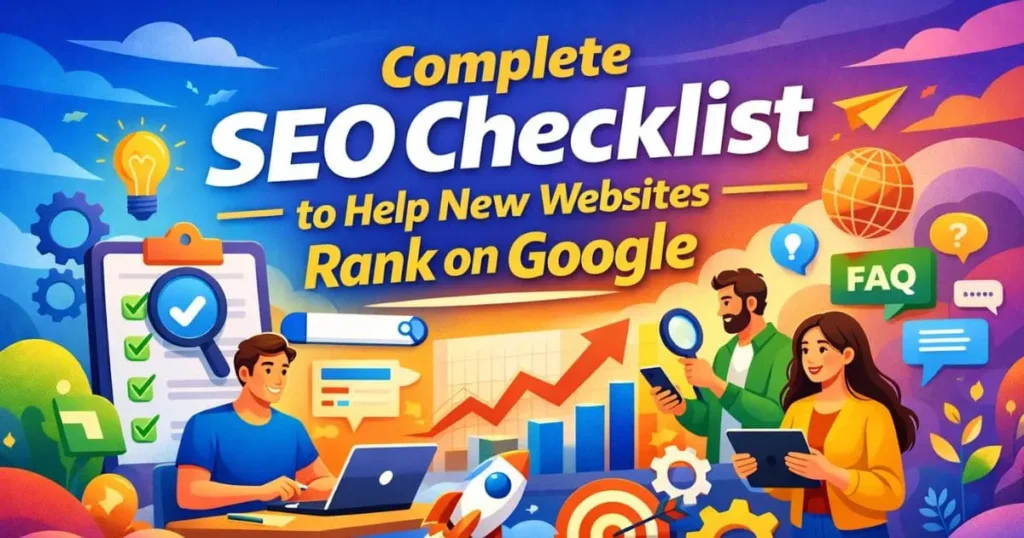
Launching a new website is exciting, but visibility does not happen just because a site is live. That is where a proper seo checklist becomes important. Search engines still need to discover your pages, understand your topics, evaluate your quality, and decide where your content belongs. Google explains that Search is largely automated, that pages are usually found through crawling, and that strong performance depends on meeting technical requirements, avoiding spam practices, and following key best practices. Google also says new sites with few external links can benefit from a sitemap because it helps search engines discover important URLs more efficiently.
This guide covers the full seo checklist for new websites, including technical setup, keyword targeting, content planning, internal linking, structured data, AI search readiness, and voice search formatting.
Table of Contents
Why a Strong SEO Foundation Matters
A new site often struggles because search engines may not discover every important page quickly, the site may not yet have enough topical depth, and early technical mistakes in the seo checklist can slow down crawling and indexing.
That is why a good seo checklist matters. It helps you put the right signals in place before weak structure, thin pages, or duplicate paths create lasting problems.
What this checklist can improve
• Crawl access and page discovery
• Indexation of important URLs
• Clear topic relevance for service and blog pages
• Better content structure for AI search and answer based results
• Better mobile usability and page experience
• Stronger internal linking from the start
Core Areas of a Complete SEO Checklist
| Keyword type | Recommended terms |
|---|---|
| Primary keyword | seo checklist |
| Secondary keywords | new website seo checklist, website launch seo checklist, seo checklist for new website, technical seo checklist, on page seo checklist |
| Long tail keywords | how to do seo for a new website, seo checklist for small business website, how to rank a new website on google, seo setup for new website |
| AEO and voice search keywords | how to launch an seo friendly website, what should a new website do for seo, how to get a new website indexed by google |
| Entity and tool keywords | Google Search Console, Bing Webmaster Tools, Google Analytics 4, XML sitemap, robots.txt, canonical tag, schema markup, Core Web Vitals |
Pre Launch SEO Checklist
Before you publish, fix structure first. A website launch seo checklist should start with your domain, hosting, page map, and core tracking setup.
Choose a clean domain and secure setup
Use one preferred domain version and keep it consistent across the site. Make sure HTTPS is live from the first day.
Build a simple site structure
Keep your main navigation easy to understand. Important service pages, blog sections, contact pages, and trust pages should sit within a logical path from the home page. As part of your seo checklist, make sure internal links connect key pages clearly, since this helps search engines discover important content and makes sitemaps more useful for new sites with few external links.
Set up search and analytics tools
Connect Google Search Console, Bing Webmaster Tools, and your analytics platform before launch. Bing also recommends using robots directives correctly and supports sitemap submission within Webmaster Tools.
Prepare key pages before promotion
Publish these pages before active promotion:
• Home
• About
• Core service pages
• Contact page
• Privacy policy
• Blog hub or resources page
• FAQ section where useful
A new website looks more complete when its purpose, services, and business identity are easy to understand from the first visit. As part of a strong seo checklist, this also helps search engines interpret the site with less uncertainty.
Technical SEO Checklist That Supports Crawling and Indexing
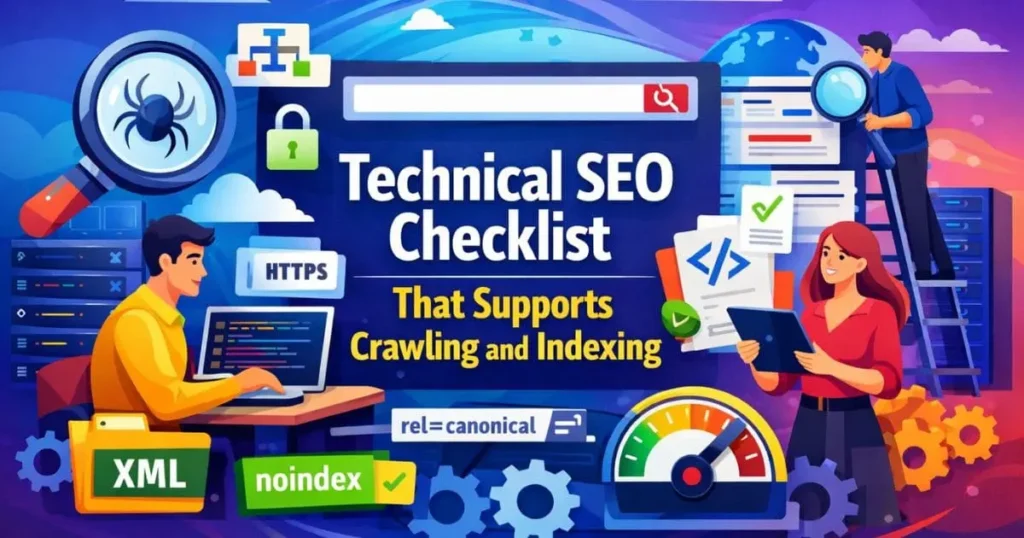
Technical SEO helps search engines reach your content, understand page relationships, and avoid confusion. Google Search Essentials describes technical requirements as part of what a page needs to appear and perform well in Search.
Review robots rules carefully
A robots.txt file tells crawlers which URLs they can access, but Google is clear that robots.txt is mainly for crawl management, not for keeping a page out of Search. If you want a page excluded from results, Google recommends using noindex or access controls instead.
Confirm that no important page, image, script, or style file is blocked by mistake. A small error here can limit crawling and delay visibility for pages that matter.
Create and submit an XML sitemap
Google explains that a sitemap gives search engines information about the pages and files you consider important, and that it can improve crawling, especially for larger or newer sites. It does not guarantee indexing, but in most cases a site benefits from having one, which is why it remains an important part of any seo checklist.
Your sitemap should include only useful, indexable pages. Keep redirected URLs, broken pages, duplicate paths, and test pages out of it.
Check indexation signals
Review noindex tags, canonical tags, duplicate URLs, and accidental staging settings. If a page is important for traffic or leads, it should not be hidden behind conflicting signals.
This is where many new websites lose momentum. A page can be published and still fail to rank if search engines are receiving mixed instructions about which version matters.
Keep URLs clean and readable
Use short, descriptive URLs that reflect the page topic. Simple URLs are easier to manage and easier to understand.
A clear URL also supports better internal linking, cleaner reporting, and stronger trust when users scan a page in search results.
Get mobile experience right
Google says it uses the mobile version of a site for indexing and ranking under mobile first indexing, and strongly recommends following mobile best practices.
Include these checks:
• Responsive design
• Same important content on mobile and desktop
• Easy taps and scrolling
• Readable text without zooming
• Fast loading on mobile networks
If your site feels cramped, slow, or incomplete on a phone, that weakness can affect both usability and visibility.
Improve Core Web Vitals
Google defines Core Web Vitals as metrics for loading, interactivity, and visual stability, and says site owners should aim for good performance because it supports search success and user experience. The current set includes LCP, INP, and CLS.
Practical improvements include:
• Compressing images
• Reducing heavy scripts
• Improving caching
• Limiting layout jumps
• Loading the most important content early
A faster website creates a better first impression and reduces friction for users who are trying to take action quickly.
Add structured data where it fits
Google says it uses structured data to understand page content and potentially show that content with richer appearances in Search. It also notes that correct markup does not guarantee a rich result, but it can improve machine understanding when it matches visible page content.
Useful schema types for a new site may include:
• Organization
• Article
• Breadcrumb
• FAQ
Schema should support the page, not replace it. The visible content still needs to be useful, complete, and easy to understand.
Technical SEO Review for Launch Week
| Stage | Priority actions | Why it matters |
| Before launch | HTTPS, site structure, URLs, metadata plan, Search Console, sitemap, robots.txt | Prevents avoidable setup mistakes |
| Launch week | Submit sitemap, test indexing, check redirects, inspect pages, monitor crawl errors | Helps search engines discover the site cleanly |
| First 30 to 90 days | Publish supporting content, improve internal links, earn links, track rankings, fix weak pages | Builds relevance, trust, and momentum |
Keyword Research Checklist
A complete seo checklist is never only about technical work. Ranking begins with matching each page to a clear search intent.
Assign one main intent to each page
Every important page should answer a defined need. A service page should target service intent. A blog post should target educational intent. An FAQ section should target question based intent.
When one page tries to do everything at once, it often becomes weaker. Clear intent creates clearer relevance.
Focus on realistic keyword targets first
A new site often performs better when it starts with:
• Long tail phrases
• Service plus location combinations
• Problem and solution queries
• Question based searches
• Buyer intent terms with clear relevance
This approach gives a new website a better chance to gain visibility before it starts competing for broader terms.
Build topic clusters
Connect your main service pages to supporting blog posts and FAQ assets. This creates stronger topical coverage and gives search engines more context.
A service page should not stand alone. It should be supported by educational content that explains process, mistakes, best practices, and common questions.
Add question keywords for AEO and voice search
Voice queries are often conversational. Include phrases such as:
• What should a new website do for SEO first
• How do you get a new website indexed
• Why is internal linking important for SEO
• What pages should a new business website have
These phrases can help your content match real user language more closely.
On Page SEO Checklist for Better Relevance
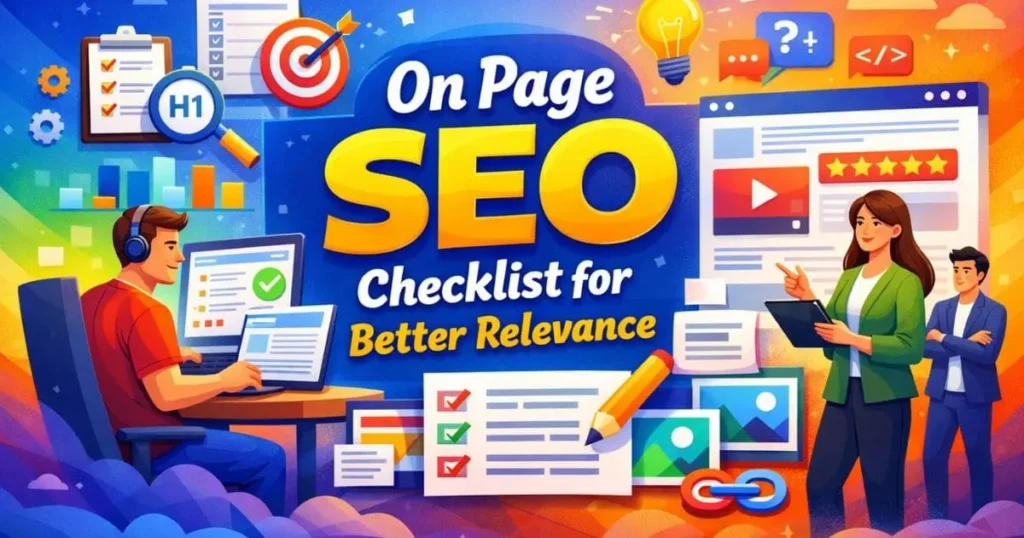
On page SEO turns your research into visible page signals. This is where page topic, keyword relevance, and content quality come together.
Write focused titles and meta descriptions
Your title should reflect the page intent and include the main keyword naturally. The meta description should explain the page value clearly and encourage the right click.
Avoid vague copy. A clear title and description help both ranking relevance and click quality.
Use a clean heading structure
Use one H1 and then organize the content with clear H2 and H3 sections. This helps readers scan the page quickly and helps answer based systems identify subtopics more easily.
Improve opening paragraphs
The start of each page should answer the main topic fast. This helps readers, featured summaries, and voice devices that pull short answers.
Write useful body copy
A strong seo checklist should remind you that body copy must explain concepts, answer objections, define terms, and move the reader forward without filler.
Use simple wording, direct explanations, and practical steps. That combination improves readability and makes the page more useful for both people and machines.
Optimize image context
Use descriptive file names, relevant alt text, and nearby text that explains the image purpose.
Images work best when they support the page topic rather than decorate it without context.
Use internal links with intent
Internal links should connect related topics and guide users toward deeper pages. In this article, the best internal link placement is within a section about getting expert support during launch. Use the anchor text SEO services for new websites once in a natural sentence that points readers toward your main service page.
On Page Elements That Help SEO and AI Search
| Element | What to include | Why it helps |
| Intro paragraph | Direct answer to the topic | Helps users and answer based systems find the core point fast |
| H2 questions | Natural question style headings | Supports voice style search patterns |
| FAQ section | Clear question and answer pairs | Improves answer extraction and topical coverage |
| Schema markup | Article, FAQ, Breadcrumb, Organization | Gives machines clearer page context |
| Internal links | Contextual links to deeper resources | Helps discovery and topic relationships |
| Entity terms | Brand, service, tool, location, topic references | Improves clarity and relevance |
Content Strategy Checklist
A new site rarely ranks well with only a home page and a few short service pages. To build stronger relevance, your content plan should include your main offers, a clear content marketing strategy, and the questions people ask before they convert.
Publish core pages before broad expansion
Start with your most important service pages and trust pages. Then expand with support content that answers real search demand.
Create educational content around each service
Educational posts help you rank for informational queries while also supporting your commercial pages.
This balance matters because users rarely move from zero awareness to conversion without searching supporting questions first.
Add FAQs to strengthen clarity
FAQ sections can improve topical coverage and answer common question patterns. Google supports FAQ structured data for eligible content and says it may help users discover information in a rich result, although eligibility does not guarantee display.
Build trust signals into the page
Show who you are, what you do, and how readers can contact you. Google supports Organization structured data on the home page to help it better understand an organization and disambiguate it in Search.
Trust also comes from consistency. Your content, service pages, contact details, and brand mentions should all support the same business identity.
GEO AEO and Voice Search Strategy
If you want a blog post or service page to perform across classic search, AI search, and voice search, structure matters as much as wording. Well planned GEO services and AEO services can further strengthen content organization, topical relevance, and answer focused visibility across modern search experiences.
Use direct answers near the top of each section
A short answer followed by deeper explanation makes the page easier to read and easier to summarize.
Keep entity references clear
Mention your brand, service, location, topic, and relevant tools clearly where they belong.
Use question style headings
Question led headings can improve match with spoken queries.
Support content with schema and visible structure
Article, FAQ, and Organization markup can all help clarify content type and context when implemented correctly and aligned with visible text. Google recommends using supported structured data formats such as JSON LD, Microdata, or RDFa and notes that the markup should reflect the actual page content.
For voice search, shorter and clearer answers often perform better because they sound natural when read aloud. For AI search, clear context and strong topic structure make your content easier to interpret.
Internal Linking Strategy
Internal linking is one of the easiest wins in a new website seo checklist.
Link from support content to core pages
Your blog posts should send clear relevance signals to your service pages. A page about website setup, crawling, or rankings can naturally point readers to SEO services for new websites when they need professional help.
Link laterally between related articles
Connect articles that share the same theme, such as:
• Technical setup
• Local visibility
• Schema and structured data
• Content planning
• Site audits
• AI search readiness
Avoid random anchor text
Use anchor text that reflects the destination topic. Clear anchors help users understand what comes next and strengthen topic relationships.
A smart internal linking plan also keeps authority flowing through the site instead of trapping value on isolated pages.
Common SEO Mistakes New Websites Should Avoid
These problems appear often during launches:
Publishing without search verification
If Search Console and Bing Webmaster Tools are missing, teams lose visibility into crawling, sitemap status, and early indexing issues.
Blocking important pages
A wrong robots rule or an accidental noindex tag can delay visibility.
Writing thin service pages
A page that says very little about the service, audience, process, or outcome gives search engines limited context.
Ignoring mobile experience
Since Google uses the mobile version for indexing and ranking, weak mobile pages can hold back the entire site.
Using weak internal links
If your site has pages that are hard to reach or disconnected from the rest of the content, discovery becomes weaker.
Forgetting schema opportunities
Structured data does not guarantee a rich result, but it can make page meaning clearer and improve eligibility for richer search features.
A Simple 30 60 90 Day SEO Strategy
A complete seo checklist becomes more useful when you follow it in phases.
First 30 days
• Launch cleanly
• Submit sitemap
• Verify indexing status
• Fix crawl barriers
• Publish core pages
Days 31 to 60
• Publish support content
• Improve titles and headings
• Add FAQs to priority pages
• Improve page speed and mobile usability
• Review structured data
Days 61 to 90
• Refresh pages with impressions but weak clicks
• Expand topic coverage
• Strengthen internal links
• Monitor technical issues
This phased approach keeps the work realistic and prevents the team from trying to fix everything at once.
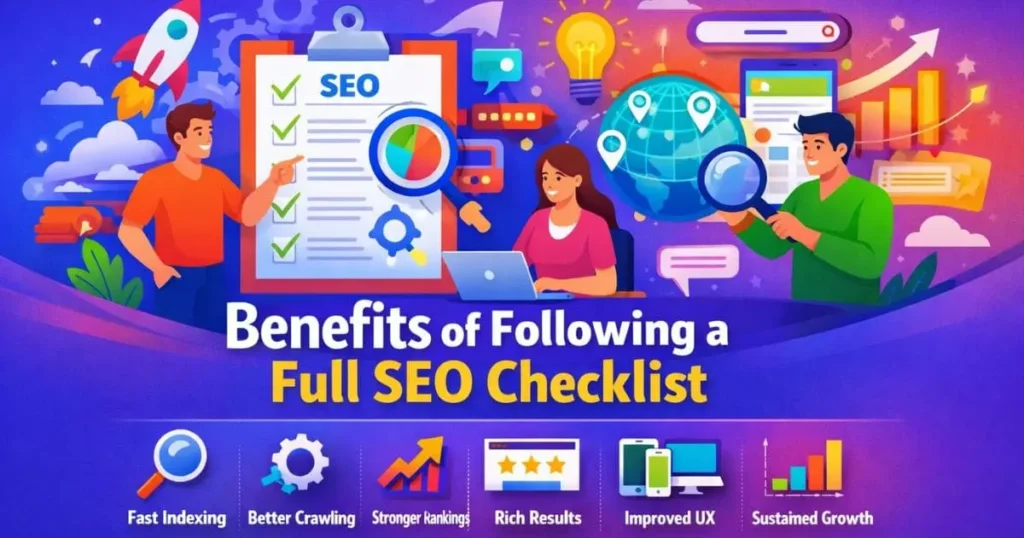
Benefits of Following a Full SEO Checklist
Main benefits
• Faster discovery of new pages
• Better crawl efficiency
• Cleaner indexation signals
• Stronger page relevance
• Better support for rich results and answer systems
• Better content hierarchy
• Better user experience on mobile and desktop
When these benefits build together, a new website gets a stronger base for future growth instead of relying on guesswork.
When Expert SEO Support Makes Sense
A seo checklist can take a site a long way, but some businesses need help with technical reviews, content planning, schema, internal architecture, and performance improvements. If your team wants a clearer launch plan and fewer avoidable mistakes, this is the right place to direct readers toward SEO services for new websites.
Suggested CTA
Final Thoughts
A new site does not need hundreds of pages to start ranking, but it does need clarity, technical accuracy, useful content, and a smart structure. The best seo checklist is not a document you read once and forget. It is a working process that helps you launch with fewer mistakes, improve your pages over time, and build stronger visibility across Google, AI search, and voice search.
Frequently Asked Questions
Q:What should a new website do first for SEO?
Ans:Start by verifying the site in Google Search Console and Bing Webmaster Tools, checking crawl access, creating a clean sitemap, and making sure your main pages are indexable and internally linked. Google explains that crawling and indexing are automated, but strong technical setup helps search engines find and process your pages more effectively.
Q:Does every new website need a sitemap?
Ans:Not always, but Google says most sites benefit from having one, and it can be especially helpful for new sites that have few external links.
Q:Is robots.txt enough to keep pages out of Google?
Ans:No. Google states that robots.txt is not a method for keeping a page out of Google Search. If you need a page excluded from results, use noindex or access controls instead.
Q:Why is mobile experience so important for SEO?
Ans:Google uses the mobile version of a site for indexing and ranking, which means poor mobile usability can weaken search performance.
Q:Does structured data guarantee rich results?
Ans:No. Google says structured data can help it understand content and make a page eligible for richer appearances, but correct markup does not guarantee that a rich result will show.
Q:How does this help with AI search and voice search?
Ans:Clear headings, direct answers, entity clarity, internal links, and relevant schema make your content easier for machines to interpret. That supports better performance not only in standard search, but also in AI summaries and spoken query environments.