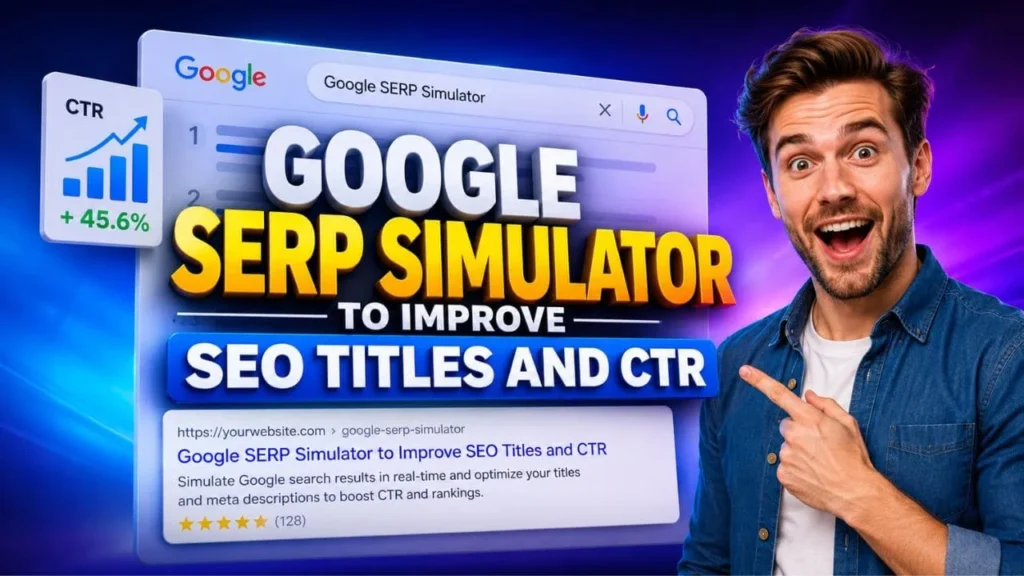
Search visibility begins before a visitor lands on your page. People first see your title, URL and snippet in the search result. If that preview looks clear, relevant and useful, they are more likely to click. If it looks vague or repetitive, your page may lose clicks even with a good ranking.
A Google SERP Simulator helps you preview how your SEO title, meta description and URL may appear in Google search results. It gives you a simple way to check wording, keyword placement, readability and mobile display before publishing or updating a blog post, service page, landing page or tool page.
This guide explains how a Google SERP Simulator can improve SEO titles, meta descriptions, organic CTR, mobile search visibility, AI search readiness and voice search performance.
Table of Contents
What Is a Google SERP Simulator?
A Google SERP Simulator is a preview tool that shows how your page title, URL and meta description may look in Google search results. It helps you test your search snippet before users see it.
The tool is useful because search result space is limited. A long title may get cut off. A weak description may not explain the value of the page. A confusing URL may reduce trust. With a preview tool, you can review these elements together and improve them before publishing.
A Google SERP Simulator does not guarantee the exact result Google will show. Google may rewrite title links or choose another snippet based on the query, page content and search intent. Still, the preview gives you a practical view of what can be improved.
What You Can Check
• SEO title length and clarity
• Meta description message
• URL appearance
• Desktop and mobile preview
• Keyword placement
• Search intent match
• Click appeal before publishing
Quick Voice Search Answer
A Google SERP Simulator helps you preview your SEO title, URL and meta description before publishing. It is useful for improving snippet clarity, reducing title cut off and increasing the chance of better organic CTR.
Why SEO Titles and Meta Descriptions Matter for CTR
Ranking is important, but clicks are equally important. A page that appears in search results still needs to convince users that it deserves their attention.
Your SEO title tells people what the page is about. Your meta description explains what they will get from the page. Together, they work as a short promise. If the promise is clear, users feel more confident about clicking.
A Google SERP Simulator helps you check whether that promise is strong enough. It shows whether your title answers the query, whether the description adds useful context and whether the snippet looks clean on mobile and desktop.
How Better Snippets Help
• They make your result easier to understand
• They help users match your page with their need
• They can improve organic click through rate
• They reduce confusion in crowded search results
• They support brand trust
• They help search engines understand page relevance
| Benefit | Why It Matters for SEO |
|---|---|
| Preview before publishing | Helps avoid cut off titles and weak descriptions |
| Improve title clarity | Makes the result easier to understand |
| Check meta description length | Reduces the chance of poor snippet presentation |
| Compare desktop and mobile view | Helps with mobile first search behavior |
| Improve CTR | Better snippets can attract more clicks from existing rankings |
| Reduce duplicate titles | Helps make each page more specific |
| Support content updates | Useful when refreshing older blog posts or service pages |
Benefits of Using a Google SERP Simulator
A Google SERP Simulator can help content writers, marketers, business owners and SEO teams improve search snippets with less guesswork.
Helps You Avoid Long Titles
Long titles can lose impact when the most important words appear too late. A Google SERP Simulator helps you see whether the title is clear from the beginning.
Instead of adding every keyword, focus on the main topic, user intent and benefit. A short title with clear meaning often works better than a long title filled with repeated terms.
Helps You Write Better Meta Descriptions
A meta description should not simply repeat the title. It should explain the value of the page in a natural way. It should help the user understand what they will learn, solve or check after opening the result.
With a Google SERP Simulator, you can test different description versions and choose the one that sounds most helpful.
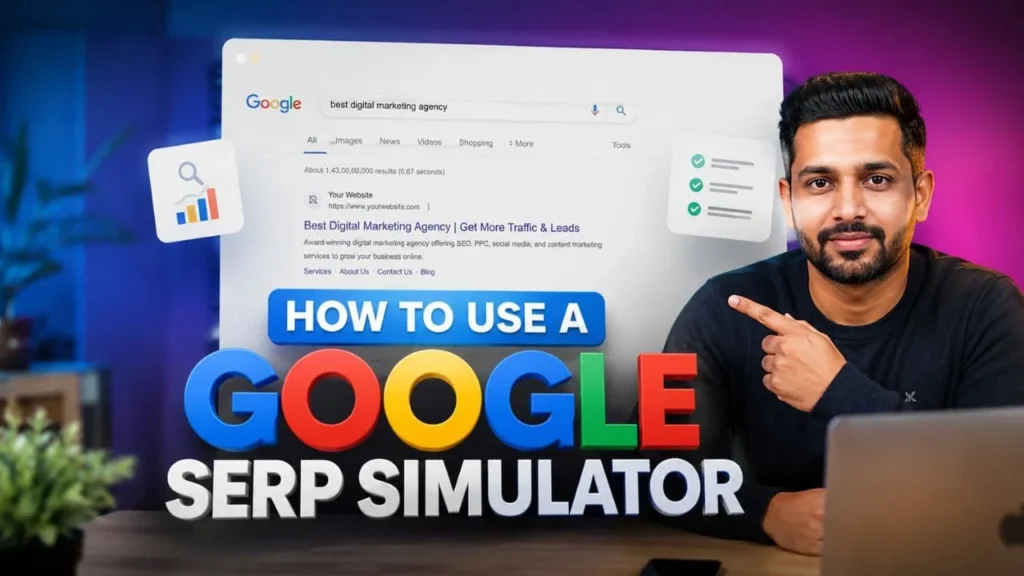
How to Use a Google SERP Simulator
Using a Google SERP Simulator is simple, but the strategy matters. The goal is not only to preview SEO titles and meta descriptions inside a box. The goal is to create a search result that answers the user’s need quickly.
Step One: Add Your SEO Title
Start by adding your proposed SEO title. Check whether it explains the main topic clearly. The primary keyword should appear naturally, but it should not make the title sound forced.
A good SEO title usually includes:
• The main topic
• A clear benefit
• Search intent alignment
• Simple wording
• A reason to click
Better Title Formula
Primary keyword plus user benefit plus page purpose.
For this topic, a clear title could be:
Google SERP Simulator to Improve SEO Titles and CTR
This title is direct. It tells users what the page is about and what value they will get.
Step Two: Add the Page URL
The URL should look clean and easy to understand. A readable URL can support trust because users can quickly understand the topic. Keep it short, relevant and aligned with the page title.
Step Three: Add the Meta Description
Next, add the meta description. Keep it clear, useful and focused. It should explain the page value without sounding like an advertisement.
A strong meta description could be:
Use a Google SERP Simulator to preview SEO titles, meta descriptions and URLs before publishing so your search snippets look clear and attract better clicks.
Step Four: Check Mobile and Desktop View
Mobile search matters because many users search from mobile devices. Mobile first indexing also makes mobile page quality important for search visibility.
A Google SERP Simulator helps you review how your snippet may look on mobile. Place important words early so users understand the page even if visible space is limited.

Strategy to Improve SEO Titles With a Google SERP Simulator
The best SEO title is not always the longest or the most keyword rich. It is the title that matches intent, explains value and makes the result easy to choose.
Put the Main Keyword Near the Beginning
Searchers scan quickly. Placing the main keyword early helps them confirm that your page matches their query.
For example:
Google SERP Simulator for Better SEO Titles and CTR
This title makes the topic clear from the first words.
Add a Clear Benefit
A title should answer why the page matters. Useful benefits for this topic include:
• Preview search snippets
• Improve SEO titles
• Check meta descriptions
• Increase organic CTR
• Improve search visibility
• Write better page titles
| Search Intent | Title Style |
|---|---|
| Informational | What Is a SERP Simulator and How Does It Work |
| Practical | How to Use a SERP Preview Tool Before Publishing |
| Comparison | SERP Simulator vs SEO Title Checker |
| Problem solving | Why Your SEO Title Gets Cut Off in Google |
| CTR focused | How to Improve Organic CTR with Better Search Snippets |
Match Search Intent
Different searches need different title styles.
Avoid Repetition
Repeating the same keyword many times in a title or description can make your result look unnatural. Use related terms such as SERP preview tool, search snippet preview, SEO title checker and meta description preview.

How to Write Meta Descriptions That Attract Clicks
A meta description should help users decide quickly. It should be written for people first, while still including relevant search terms naturally.
Start With the Page Value
Begin with what the user can do or learn. Avoid broad lines that do not say anything specific.
Weak description:
Learn about SEO and Google search results.
Better description:
Preview your SEO title, URL and meta description before publishing so your search result looks clear and useful.
Include Keywords Naturally
You can include the focus keyword once in the meta description if it fits naturally. You can also use close variations in the body content.
A good description should include:
• The page topic
• A useful benefit
• A natural keyword
• Clear language
• A reason to click
Google SERP Simulator and Mobile First Indexing
Mobile first indexing is an important part of modern SEO. It means Google primarily uses the mobile version of a page for indexing and ranking. That is why your snippet and page experience should both work well for mobile users.
A Google SERP Simulator helps with the snippet side. Your Technical SEO process should handle the crawl, speed and mobile usability side.
Why Mobile Preview Matters
Mobile screens have limited space. A title that looks fine on desktop may look crowded on mobile. A description that feels complete on desktop may appear shorter on a mobile result.
When you preview your snippet, check whether the first few words communicate the main value. This helps both users and search systems understand the page faster.
Mobile First Technical SEO Services and SERP Quality
Mobile first technical SEO services often include metadata review, crawl checks, page speed checks, structured data review and mobile usability checks. These tasks support search visibility because they help search engines access and understand your page.
A good snippet can bring the click, but the page must also provide a smooth experience after the click.
Core Web Vitals Audit Checklist
Use this Core Web Vitals audit checklist with your SERP preview process:
• Check loading performance
• Review mobile layout stability
• Test page response
• Compress large images
• Use readable fonts
• Avoid intrusive popups
• Make buttons easy to tap
• Review the title, H1 and meta description together
Robots.txt and Mobile Crawl Configuration
Your robots.txt and mobile crawl configuration should not block important resources such as CSS, JavaScript or images needed for mobile rendering. If search engines cannot access the resources required to understand your page, your search performance may suffer.
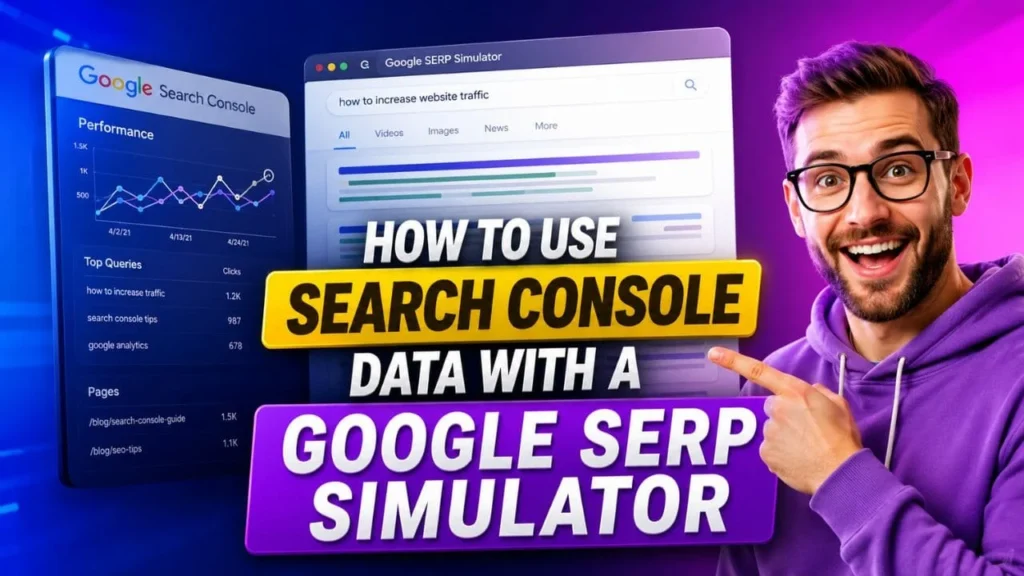
How to Use Search Console Data With a Google SERP Simulator
A Google SERP Simulator becomes more useful when you combine it with Google Search Console. Search Console shows which queries bring impressions, clicks and CTR.
Find Pages With High Impressions and Low CTR
Look for pages that appear often in search but get fewer clicks than expected. These pages may have weak titles, unclear descriptions or mismatched search intent.
Rewrite Based on Query Intent
Use the actual search queries to understand what users want. Then adjust the title and description so they answer that intent more clearly.
For example, if users search for SEO title checker, your snippet should mention title preview or title length. If users search for meta description checker, your snippet should mention description preview.
Preview Before Publishing Changes
Before updating the live page, put the new title and description into a Google SERP Simulator. Check whether it looks readable and useful on mobile and desktop.
Practical Checklist Before Publishing
SEO Title Checklist
• Does the title include the main topic clearly?
• Is the main keyword placed naturally?
• Does the title explain a benefit?
• Is the title unique from other pages?
• Does it avoid repeated wording?
• Does it look clear in the preview?
Meta Description Checklist
• Does the description summarize the page well?
• Does it support the title without repeating it?
• Does it include a useful keyword naturally?
• Does it explain why the page is helpful?
• Does it sound human and clear?
• Does it encourage a relevant click?
URL Checklist
• Is the URL readable?
• Does it match the topic?
• Is it short enough to understand quickly?
• Does it support user trust?
SERP Snippet Tips for Service Pages
Service pages need extra clarity because users may compare several providers before clicking. If your website offers Digital marketing services, SEO services, Technical SEO, Local SEO services or social media marketing services, your snippet should mention the service clearly and show the page value.
For SEO Services Pages
Use titles that explain what the user will get. Mention SEO audit, organic traffic, content optimization or technical review only when the page actually covers those topics.
For Local SEO Services Pages
Add location relevance where it fits. A local business user wants to know whether the service supports Google Maps visibility, local rankings, reviews and business profile optimization.
For Technical SEO Pages
Use clear terms such as crawlability, indexing, Core Web Vitals, schema markup and site performance. Avoid making the title too complex.
For Social Media Marketing Services Pages
Focus on visibility, engagement, content planning and platform growth. Keep the snippet specific so users know the page is about social media support, not general marketing.

AI Search and Answer Engine Optimization Tips
AI search tools often summarize pages that answer questions clearly. Your content should be structured so answer engines can understand the topic, extract key points and connect your page with user questions. An AI Search Readiness Checker can also help review whether your content is clear, crawlable and easy for AI systems to understand.
Add Clear Question Based Headings
Use headings that match real user queries, such as:
• What is a Google SERP Simulator?
• How do I preview my SEO title?
• How can I improve CTR from Google Search?
• Why does Google rewrite my title?
• What should a meta description include?
Add Short Answer Blocks
After each question, include a clear answer in 40 to 60 words. This helps voice search, People Also Ask style results and AI summaries.
Use Entity Rich Content
Mention related entities naturally, such as Google Search, title tag, meta description, URL slug, Search Console, CTR, mobile first indexing, Core Web Vitals and robots.txt. This helps the page build topical depth without forcing keywords.
Common Mistakes to Avoid
Depending Only on Character Count
Google search result display is not based only on character count. Pixel width, device type and query context can affect how the result appears. A preview tool helps, but clarity matters more than exact length.
Ignoring Search Intent
A title can be short and still fail if it does not match the user’s intent. Always ask what the searcher wants before writing the snippet.
Repeating the Same Keyword Too Often
Using Google SERP Simulator too many times in a small section can make the article sound unnatural. Use the focus keyword where it helps, then use related phrases for variety.
FAQ
Q: What is a Google SERP Simulator?
Ans: A Google SERP Simulator is a tool that previews how your page title, URL and meta description may appear in Google search results. It helps you improve snippet clarity before publishing or updating a page.
Q: Can a Google SERP Simulator improve CTR?
Ans: Yes, it can support better CTR by helping you write clearer titles and descriptions. It does not increase clicks by itself, but it helps you create snippets that are more relevant and useful to searchers.
Q: Does Google always show my written meta description?
Ans: No. Google may use your meta description or choose another snippet from the page if it better matches the search query. Still, a clear meta description gives Google a better option to use.
Q: How do I write a good SEO title?
Ans: Write a title that includes the main topic, matches search intent and explains the page value. Keep the most important words near the beginning and avoid repeating the same keyword.
Q: Why is mobile first indexing important for snippets?
Ans: Mobile first indexing matters because Google primarily uses the mobile version of a page for indexing and ranking. Your snippet should look clear on mobile, and your page should be easy to access and read.
Q: Should I use the same meta description on many pages?
Ans: No. Each page should have a unique meta description that reflects its specific topic and value. Repeated descriptions can make pages look less useful in search results.
Conclusion
A Google SERP Simulator is a simple but useful tool for improving how your pages appear in search results. It helps you preview SEO titles, meta descriptions and URLs before publishing, so you can make your snippet clearer and more helpful for users.
Better snippets can support better CTR, stronger search visibility and improved user trust. When you combine snippet preview with Search Console data, mobile first indexing checks, Core Web Vitals audit checklist and proper robots.txt and mobile crawl configuration, your SEO process becomes more complete.
For a website like Dakshraj Enterprise, this approach can support blog posts, service pages, tool pages and local business content. Whether you are improving Digital marketing services pages, SEO services pages, Technical SEO content, Local SEO services pages or social media marketing services pages, a clear search snippet can help more users understand your value before they click.
Use the Google SERP Simulator tool by Dakshraj Enterprise to preview your next SEO title and meta description before publishing.