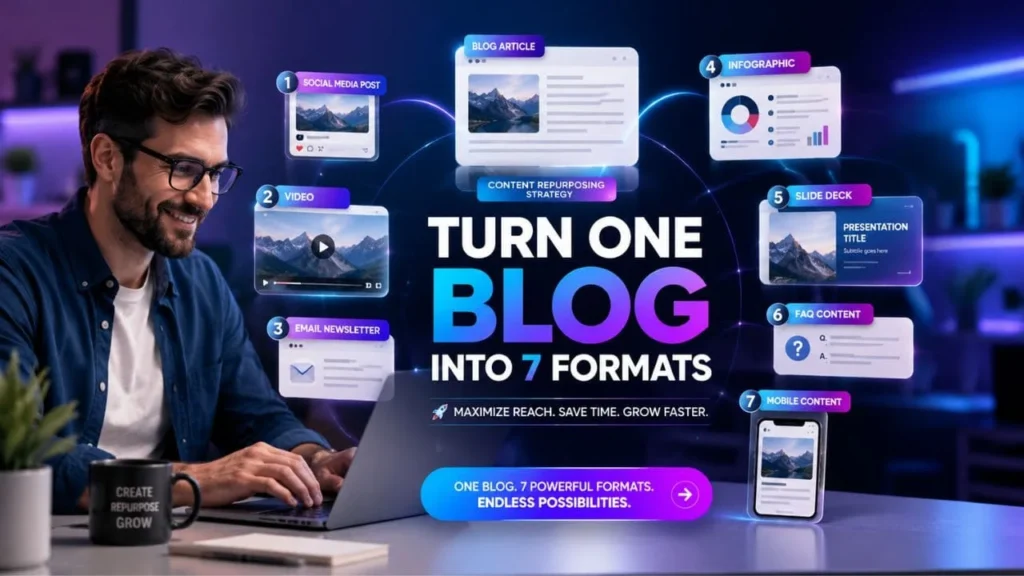
A strong blog post should not stop working after it is published. When you spend time creating useful content, that idea can support your website, social media, email marketing, video content, voice search answers and AI search visibility. This is where a smart content repurposing strategy becomes valuable.
Many businesses publish blogs and wait for traffic. But readers do not consume content in only one way. Some prefer detailed articles. Some want quick social media posts. Some watch short videos. Some search through voice assistants. Some read emails. If your best ideas appear in only one format, you may miss a large part of your audience.
A content repurposing strategy helps you turn one blog post into several useful content assets without repeating the same text everywhere. The goal is not to copy content. The goal is to reshape the main message for different platforms, user needs and search habits.
For businesses that invest in Digital marketing services, SEO services, social media marketing services, Technical SEO and Local Seo services, repurposing content can improve visibility across more channels while keeping the message consistent.
Table of Contents
What Is a Content Repurposing Strategy?
A content repurposing strategy is a planned method of turning one original content piece into different formats. A blog can become a social media post, video script, email newsletter, infographic, slide deck, checklist and FAQ section.
It helps you get more value from one topic. Instead of creating something new every day, you can use one strong idea in different ways.
Simple Meaning
A content repurposing strategy means taking the main ideas from one blog post and converting them into formats that suit different platforms.
For example, a detailed blog may contain:
• A useful introduction
• Step by step advice
• A checklist
• FAQs
• Key benefits
• Common mistakes
• A conclusion with action points
Each part can become a separate content asset for another platform.
What Content Repurposing Is Not?
Content repurposing does not mean copying the same blog and posting it everywhere. That can feel repetitive and may reduce user interest.
A proper content repurposing strategy should avoid:
• Posting the same content without changes
• Using old information without updates
• Making thin posts with no useful point
• Ignoring platform style
• Repeating the same keyword too often
• Creating content only for search engines
Each format should feel fresh, useful and suitable for the audience.
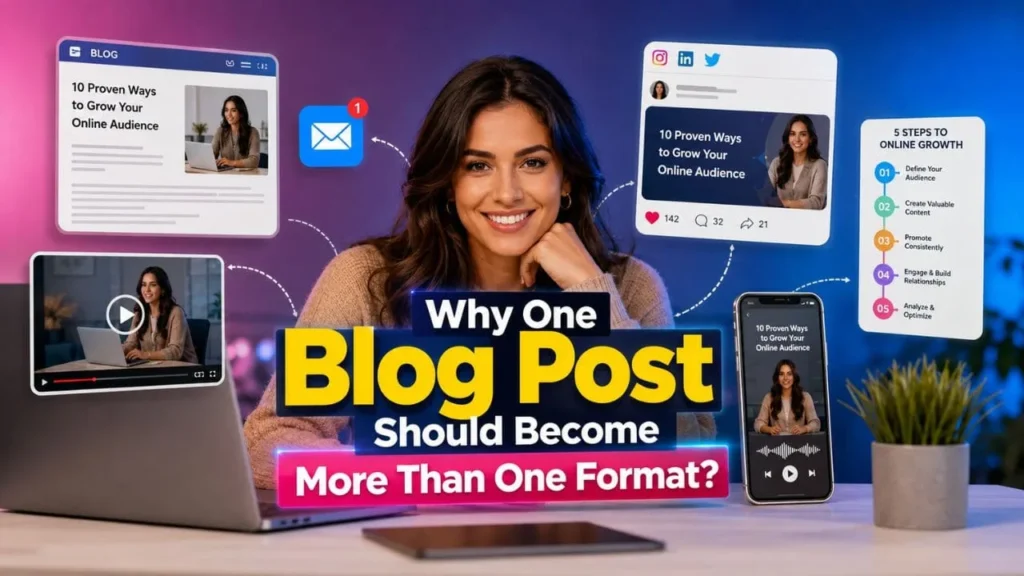
Why One Blog Post Should Become More Than One Format?
People search, read and interact with content in different ways. A user may not read your full blog, but they may watch a short video based on it. Another user may not follow you on social media, but they may find your answer through Google or an AI search tool.
This is why one blog post can become more powerful when it is planned for multiple formats.
Different Users Prefer Different Content Types
Some users want full explanations. Some want quick answers. Some want visual content. Some want a practical checklist.
A useful content repurposing strategy helps you serve all these users without creating separate topics from the beginning.
It Helps Build Better Topic Visibility
When your content appears in different forms across your website and other platforms, your brand can become easier to understand. Search engines and AI tools can connect your business with a topic when the content is clear, consistent and helpful.
This is useful for businesses that offer SEO services, content marketing, social media marketing services and Digital marketing services because users often compare information across different touchpoints before making a decision.
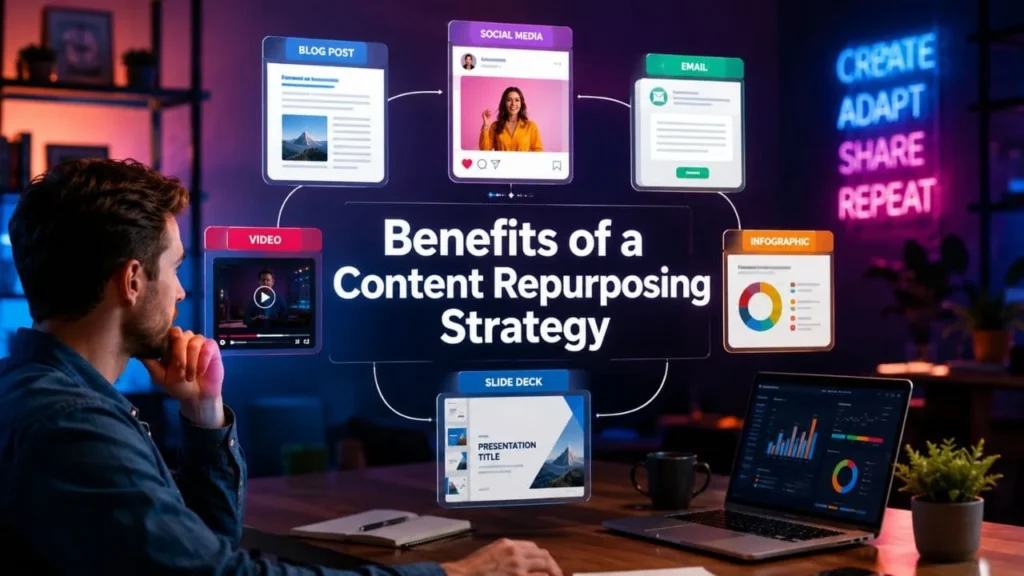
Benefits of a Content Repurposing Strategy
A well planned content repurposing strategy can support SEO, content reach, user engagement and brand recall. It also helps your team publish more consistently without reducing quality.
Better Value From Existing Content
Every detailed blog takes effort. You plan the topic, research user intent, write the content, optimize headings, add internal links and publish it. Repurposing helps that same effort support more channels.
You can use one blog to create:
• LinkedIn posts
• Instagram carousels
• Email newsletters
• Short videos
• Infographics
• FAQs
• Downloadable guides
This helps you increase the value of each content piece.
Stronger Search Visibility
A good content repurposing strategy supports SEO when it connects related content across your website. It gives you more chances to answer long search queries, People Also Ask style questions and voice search questions.
For example, your blog can answer broad search intent, while your FAQ section can answer specific user questions. Your infographic can support image visibility, and your video script can support video discovery.
Better Support for AI Search and Answer Engines
AI search tools prefer content that is structured, clear and direct. They look for useful answers, organized sections and easy to understand explanations.
To make your repurposed content AI search friendly, include:
• Short answer sections
• Clear definitions
• FAQ blocks
• Step based explanations
• Summary boxes
• Tables
• Practical checklists
This makes your content easier for search systems to understand.
Improved Social Media Reach
A blog may reach users through Google, but social media helps you reach people who are not searching yet. You can convert blog insights into short posts, carousels and video scripts.
This is especially useful when your business invests in social media marketing services because each blog can support multiple social content ideas.
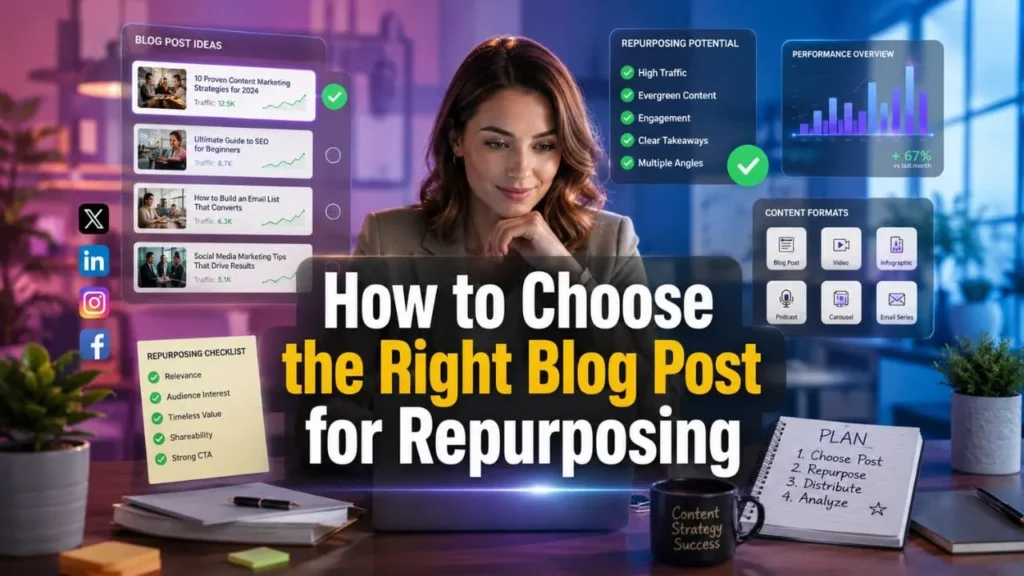
How to Choose the Right Blog Post for Repurposing
Not every blog needs to be repurposed in the same way. Choose content that has long term value and clear user intent.
Pick Evergreen Topics
Evergreen topics continue to stay useful over time. These are better for repurposing because they can support ongoing search and social visibility.
Good topics include:
• Content marketing
• SEO planning
• Technical SEO
• Local Seo services
• Digital marketing services
• Social media strategy
• Website optimization
• Search intent
Check Search Performance
Before creating new formats, review how the blog is already performing. Look at impressions, clicks, ranking keywords and user engagement. If a blog already gets search interest, it may be worth turning into more formats.
Look for Strong Sections Inside the Blog
A blog with clear sections is easier to repurpose. Look for sections that explain benefits, steps, mistakes, questions and checklists. These parts can become independent content assets.
Turn One Blog Into 7 Content Formats
The main goal of a content repurposing strategy is to break one blog into useful formats for different platforms. Here is a practical format map.
| Keyword Type | Keywords to Use Naturally | Usage Plan |
|---|---|---|
| Primary keyword | content repurposing strategy | Use in title, intro, one H2, conclusion and FAQ |
| Secondary keywords | repurpose blog post, content repurposing, content distribution, blog repurposing, content formats | Use across headings and body |
| Support keywords | content marketing strategy, content workflow, content calendar, social media content, email newsletter content | Use in practical sections |
| Contextual keyword | Performance Max Google Ads India | Use only as an example topic, not as the main keyword |
| Technical SEO support terms | mobile first indexing, mobile first technical SEO services, Core Web Vitals audit checklist, robots.txt and mobile crawl configuration | Use in a short mobile readiness section |
LinkedIn is useful for sharing clear insights from a blog. You do not need to post the full article. Pick one strong message and explain it in a short, useful way.
How to Create It
Use this structure:
• Start with a clear hook
• Explain the problem in simple words
• Share three to five useful points
• Add a short takeaway
• Invite users to read the full blog
Voice Search Friendly Answer
How can you repurpose a blog for LinkedIn?
You can repurpose a blog for LinkedIn by turning the main idea into a short educational post, using clear bullet points and linking to the full article for deeper reading.
Format 2 Turn the Blog Into a Carousel
A carousel works well when your blog has steps, mistakes, benefits or a checklist. It helps users understand the topic quickly without reading a full article at once.
Best Carousel Structure
Use this simple flow:
• Slide 1: Topic title
• Slide 2: Problem
• Slide 3: Why it matters
• Slide 4: Step one
• Slide 5: Step two
• Slide 6: Step three
• Slide 7: Checklist
• Slide 8: Call to read the blog
Why It Works
Carousels are easy to save, share and understand. They are helpful for visual learners and social media users who want quick value.
A blog about SEO services, Technical SEO or Digital marketing services can often become a useful carousel because these topics usually include steps, checks and decision points.
Format 3 Create an Infographic
An infographic turns detailed information into a visual summary. It is useful when your blog explains a process, comparison or checklist.
What to Include in an Infographic
You can include:
• Main process
• Key benefits
• Checklist
• Common mistakes
• Content flow
• Quick tips
• Short definitions
SEO Value of Infographics
Infographics can improve engagement on the page. They also make complex topics easier to understand. When optimized with alt text, file names and supporting content, they can help image search visibility.
For Technical SEO topics, infographics can explain site audits, page speed checks, mobile first indexing and Core Web Vitals in a clear format.
Format 4 Convert the Blog Into a Short Video Script
Video content is helpful because many users prefer watching over reading. You can turn the main points of a blog into a short video script for YouTube Shorts, Instagram Reels or LinkedIn video.
Video Script Structure
Use this format:
• Opening question
• Short problem statement
• Main explanation
• Three useful points
• Final takeaway
• Call to read the full blog
Sample Script Flow
What if one blog post could support your social media, email and SEO content?
A content repurposing strategy helps you turn one strong article into several useful formats. You can create a LinkedIn post, carousel, infographic, newsletter, video script, FAQ section and slide deck from one topic.
This saves time, improves reach and helps your audience find your content in the format they prefer.
Format 5 Create an Email Newsletter
An email newsletter helps you share the main value of the blog with people who already know your brand. It should not repeat the full article. Instead, it should give readers a reason to click and read more.
Email Newsletter Structure
Use this layout:
• Subject line
• Short opening line
• Main takeaway
• Three useful points
• Link to the full blog
• Simple closing line
Newsletter Ideas From a Blog
A blog can become several newsletter ideas. You can send one email about the main topic, one about mistakes, one about benefits and one about the checklist.
This supports your content marketing funnel strategy because the same topic can help users at different stages of awareness and decision making.
Format 6 Create FAQ and Answer Content
FAQs help both users and search systems. They answer direct questions in a simple format and support answer engine optimization for AI search citations by giving AI tools clear, structured, and easy to understand information. This is useful for voice search and answer engines because many users search in question form.
Why FAQ Content Matters
FAQ content helps you answer queries such as:
• What is content repurposing?
• How do I reuse a blog post?
• Does repurposing help SEO?
• Which content formats work best?
• How often should I repurpose old blogs?
AI Search Friendly Summary
A content repurposing strategy helps one blog become multiple assets for search, social media, email, video and answer based discovery. When supported with structured data AI AEO, it improves content value by presenting the same core idea in different helpful formats that search engines, AI tools and readers can understand easily.
Format 7 Create a Slide Deck or PDF
A slide deck or PDF is useful for B2B content, educational posts and service explanation. It can turn a long blog into a simple visual guide.
Best Slide Deck Structure
Use this flow:
• Title
• Problem
• Why the topic matters
• Main strategy
• Seven content formats
• Practical checklist
• Common mistakes
• Final action points
Where to Use It
You can use the slide deck on LinkedIn, your website, email campaigns or internal training. It also supports B2B education when paired with topics like B2B social media marketing for LinkedIn and beyond.
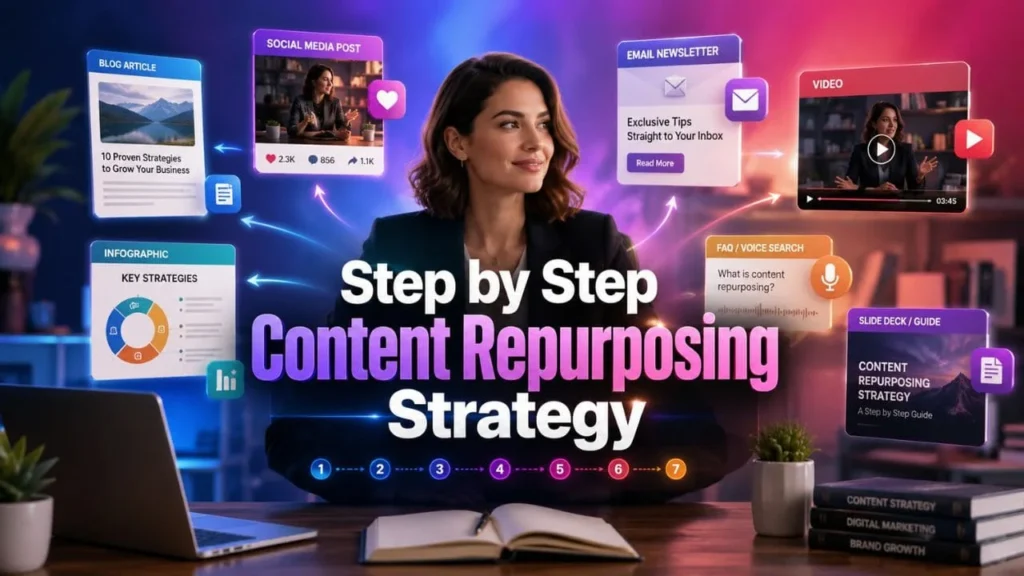
Step by Step Content Repurposing Strategy
A proper workflow keeps your content organized. Without a process, repurposing can become random and inconsistent.
Step 1 Choose the Blog
Start with a blog that has clear value. It should answer real user questions and connect with your business goals.
Choose blogs that cover:
• Search demand
• Evergreen value
• Practical guidance
• Strong internal linking potential
• Service relevance
Step 2 Break the Blog Into Sections
Separate the blog into content blocks. Each block can become a new format.
Content blocks may include:
• Definition
• Benefits
• Strategy
• Mistakes
• Checklist
• FAQs
• Final summary
Step 3 Match Each Section With a Format
Not every section fits every platform. Match the content with the right format.
| Original Blog Section | Repurposed Format | Best Platform | Purpose |
|---|---|---|---|
| Main blog summary | LinkedIn post | Build awareness | |
| Key steps | Carousel post | LinkedIn, Instagram | Visual learning |
| Data or process | Infographic | Blog, Pinterest, LinkedIn | Easy sharing |
| FAQs | Voice search answers | Blog, Google, AI tools | AEO visibility |
| Main points | Email newsletter | Email list | Repeat engagement |
| Process section | Short video script | YouTube Shorts, Reels | Quick education |
| Full article | Slide deck or PDF | Website, LinkedIn | Lead support |
Each platform has a different reading style. A LinkedIn post should feel different from an email. A video script should sound conversational. A carousel should be short and visual.
This keeps the repurposed content useful instead of repetitive.
Step 5 Add Internal Links
Internal links help users move from one useful page to another. They also help search engines understand related topics on your website.
Add links only where they make sense. Avoid repeating the same anchor again and again.
Step 6 Measure Performance
Track how each format performs. This helps you understand which content types bring traffic, engagement and leads.
Measure:
• Organic clicks
• Search impressions
• Social engagement
• Email clicks
• Video views
• Time on page
• Assisted enquiries

How Content Repurposing Supports SEO
A content repurposing strategy supports SEO when it improves content depth, internal linking, topical relevance, and a clear digital marketing operating plan. It helps one topic appear in multiple useful forms without creating duplicate content.
It Builds Topical Authority
When you create multiple helpful assets around one topic, your website can show stronger coverage. This is useful for ranking in search engines and getting noticed by AI search systems.
It Supports Internal Linking
Repurposed blogs can link to service pages, related blogs and supporting guides. This helps readers explore more content and improves crawl paths.
For example, a blog about content reuse can naturally connect with content marketing, SEO services, Local Seo services and social media marketing services.
It Improves User Engagement
Users stay longer when content is easy to read and supported with tables, FAQs, summaries and visuals. Better engagement can support overall content performance.
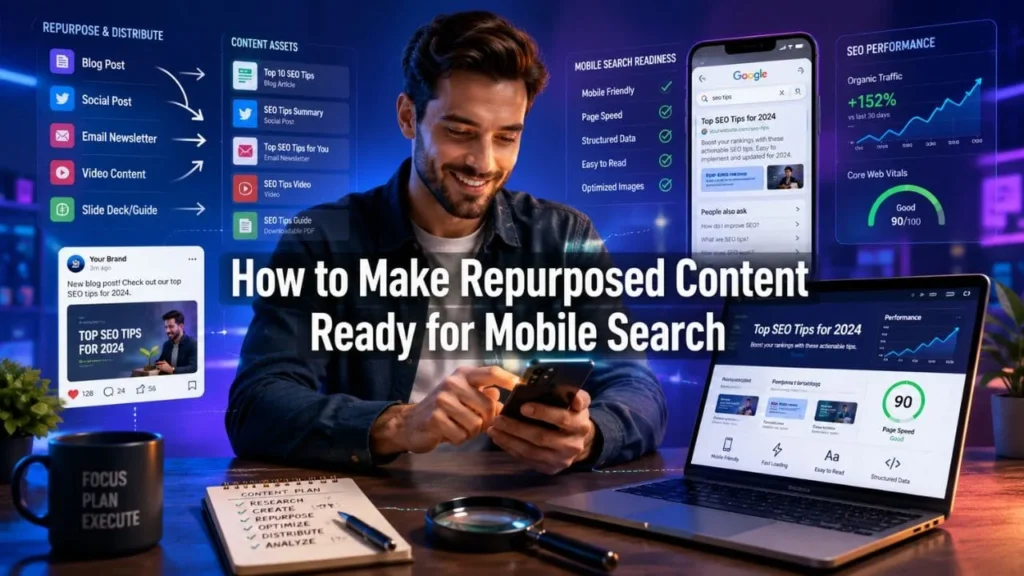
How to Make Repurposed Content Ready for Mobile Search
Most users browse through mobile devices. If repurposed content is hard to read on mobile, it may lose value. That is why reviewing a mobile first indexing checklist helps you check readability, page speed, image display, tap friendly links and content visibility before publishing.
Mobile First Indexing Considerations
Make sure your content works well on mobile. The mobile version should include the same important content as desktop.
Check that:
• Text is readable
• Buttons are easy to tap
• Images resize properly
• Important content is not hidden
• Internal links work correctly
• Tables display clearly
Core Web Vitals Audit Checklist
A repurposed blog with visuals, videos and tables should still load quickly.
Check:
• Page loading speed
• Image size
• Layout movement
• Mobile interaction
• Font readability
• Script loading
• Video embeds
Robots Txt and Mobile Crawl Configuration
Your important blog resources should be crawlable. Do not block important CSS, JavaScript or image files if they are needed for rendering the page correctly.
This is part of good Technical SEO and helps search engines understand the page properly.
Common Content Repurposing Mistakes
A content repurposing strategy works best when it focuses on quality. Avoid shortcuts that reduce value.
Using the Same Text Everywhere
Users can notice repetition. Each platform should get a fresh version of the idea.
Ignoring Search Intent
A blog written for informational search should not be turned into aggressive sales content. Keep the intent helpful.
Forgetting to Update Old Content
Old stats, outdated advice and broken links can reduce trust. Update the original blog before creating new formats.
Not Adding Internal Links
Without internal links, users may not find related content. Add helpful links to relevant service pages and blog posts.
Creating Too Many Formats Without a Plan
Do not create seven formats just for volume. Choose formats that match your audience and business goal.
Practical Checklist for Content Repurposing
Use this checklist before publishing repurposed content:
• Choose a strong original blog
• Confirm the search intent
• Update outdated information
• Break the blog into sections
• Match each section with the right format
• Rewrite content for each platform
• Add natural keywords
• Add useful internal links
• Optimize images and videos
• Make the content mobile friendly
• Add FAQs
• Include summary boxes
• Track results
Voice Search Optimized Questions
How can I turn one blog post into multiple formats?
You can turn one blog post into multiple formats by breaking it into smaller sections and converting those sections into social posts, videos, emails, infographics, FAQs, slide decks and checklists, while also adapting the content for modern search topics like AI chatbots vs Google search.
Why is content repurposing useful for SEO?
Content repurposing is useful for SEO because it increases topic coverage, supports internal linking and helps users find your content in different formats.
What is the best format for repurposing a blog?
The best format depends on the topic. Step based content works well as a carousel. FAQ content works well for voice search. A checklist works well as an infographic.
Does content repurposing help social media?
Yes, content repurposing helps social media by giving you more useful post ideas from one original blog. It also keeps your message consistent across platforms.
FAQs About Content Repurposing Strategy
What is a content repurposing strategy?
A content repurposing strategy is a planned way to turn one original content piece into different formats such as social posts, videos, newsletters, infographics, FAQs and slide decks.
How do you repurpose a blog post?
You repurpose a blog post by identifying its main sections, choosing useful formats and rewriting each part for the platform where it will be published.
Does content repurposing create duplicate content?
No, it does not create duplicate content when the message is rewritten, updated and adapted for each platform.
How many formats can one blog become?
One strong blog can become several formats, including social posts, carousels, infographics, video scripts, email newsletters, FAQs and slide decks.
Can content repurposing support AI search?
Yes, it can support AI search when the content includes clear answers, structured headings, summary boxes, useful tables and direct explanations.
How often should old blogs be repurposed?
Important evergreen blogs can be repurposed regularly, especially when they support search demand, lead generation and content marketing goals.
Which businesses need a content repurposing strategy?
Any business that publishes blogs, offers Digital marketing services, SEO services, Local Seo services, Technical SEO or social media marketing services can benefit from a planned content reuse process.
Conclusion
A blog post can do much more than sit on your website after publishing. With the right content repurposing strategy, one article can become a LinkedIn post, carousel, infographic, video script, email newsletter, FAQ section and slide deck.
The main goal is not to repeat content everywhere. The goal is to make one useful idea easier to find, read, watch and understand across different platforms.
When your content is clear, structured and helpful, it can support Google rankings, AI search visibility, voice search answers and social media reach. It also helps users connect with your brand in the format they prefer.
For better results, start with one strong blog, break it into useful sections, rewrite each format with care, add internal links and track performance. Over time, this approach can help your website build stronger visibility and better content value.